New Schedule Settings for Distribution Jobs

Since Version 2026 Release 9, the Schedule tab for distribution jobs uses a new interface, and a few existing settings now behave differently. Any jobs created before the September 2026 update should be reviewed, since these changes can affect how those jobs run. Make sure to also set the correct time zone for each job, so delivery times stay accurate through Daylight Saving Time changes.

Before: Any number of minutes could be entered manually.
Now:Only specific intervals can be selected: 1, 2, 5, 10, 15, 20, 30, and 60 minutes. Jobs using a legacy interval outside these eight values were migrated to the closest one:
3 or 4 minutes2 minutes
6 to 9 minutes5 minutes
11 to 14 minutes10 minutes
16 to 19 minutes15 minutes
21 to 29 minutes20 minutes
31 to 59 minutes30 minutes
60 or higher minutes60 minutes
Minutes dropdown showing the eigth available intervals: 1, 2, 5, 10, 15, 20, 30, and 60
Applies toDaily
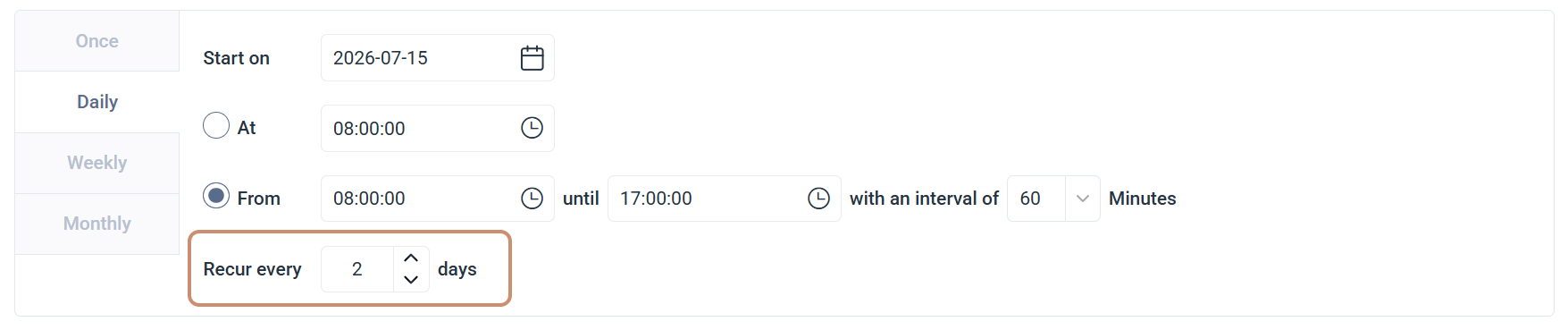
Before:A job would run every specified number of days, which could skip the first day of a month. A job recurring every 2 days that last ran on August 31 ran again on September 2.
Now:The count resets to zero on the first day of every month. That same job now runs on September 1 instead, one day earlier than before.
Recur every X days field under the Daily frequency
Applies toMonthly
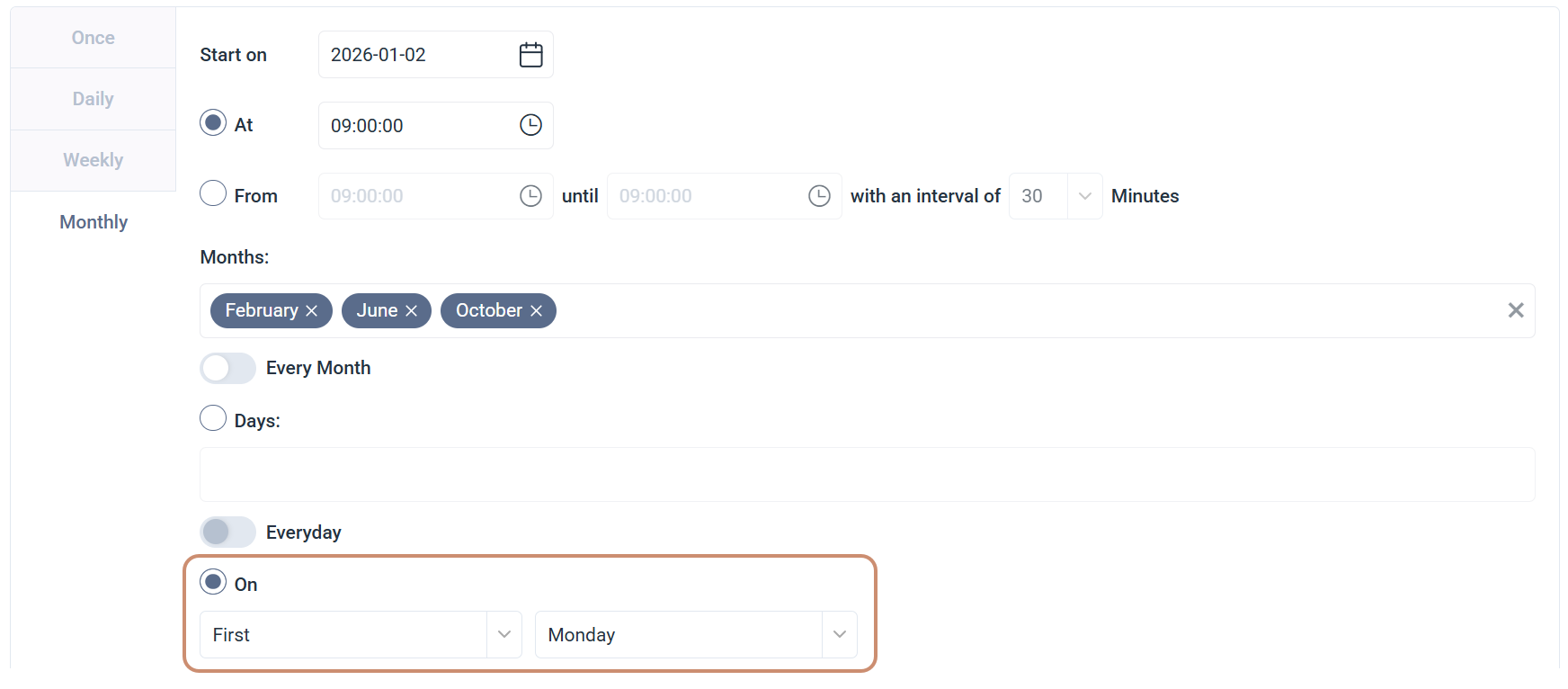
Before:Multiple occurrences and weekdays could be selected.
Now:Only one occurrence (First, Second, Third, Fourth, Last) and one weekday can be selected.
On option under Monthly, showing a single ordinal and weekday selection