
Importing the Extractions
This feature allows you to import a pre-defined template or to restore a backup that you may have done yourself with the Export feature (refer to Exporting an Extraction for more details).
Some pre-defined templates are already available; if you don't have access to them, please contact your partner. An example of a pre-defined template you could use is the one which defines the list of tables and fields to be synchronized to send Sage 300, X3, Acumatica, Salesforce data to the Cloud.
-
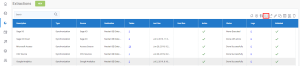
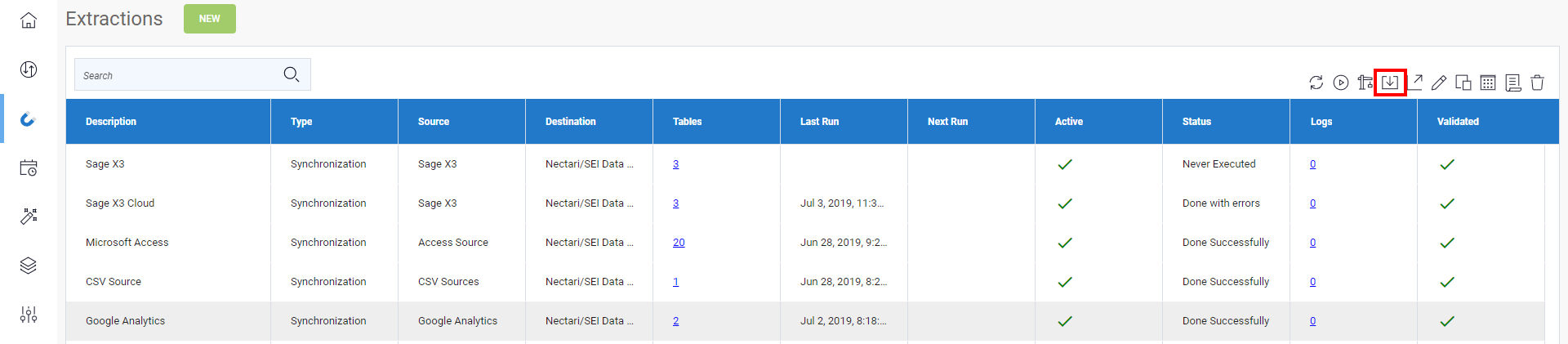
Click one of the extractions in the list then on the Import icon located on the upper right-hand corner.
- In the Import Extraction window, click the Choose a zip file hyperlink to browse to the location you saved the export .zip file or drag it directly into that window and click Next.
For Sage Intacct, two zip files will be provided.
- Use the DS_EXTR_[Software-Version]_[Extraction-Version]_Sage Intacct with refresh DS-SYNC.zip file for the Source connection with the tracking by Date and the DS_EXTR_[Software-Version]_[Extraction-Version]_Sage Intacct w_o refresh DS-SYNC.zip file for the one with none.
-
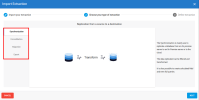
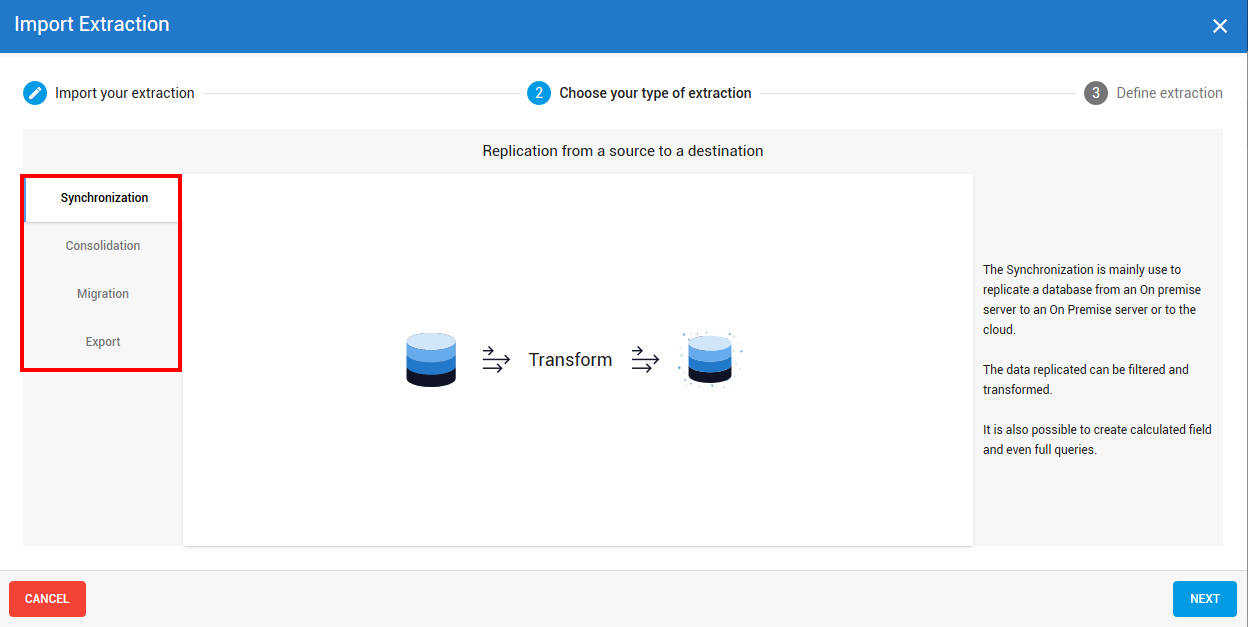
On the left pane, select the type of extraction you want to perform and click Next.
 Important
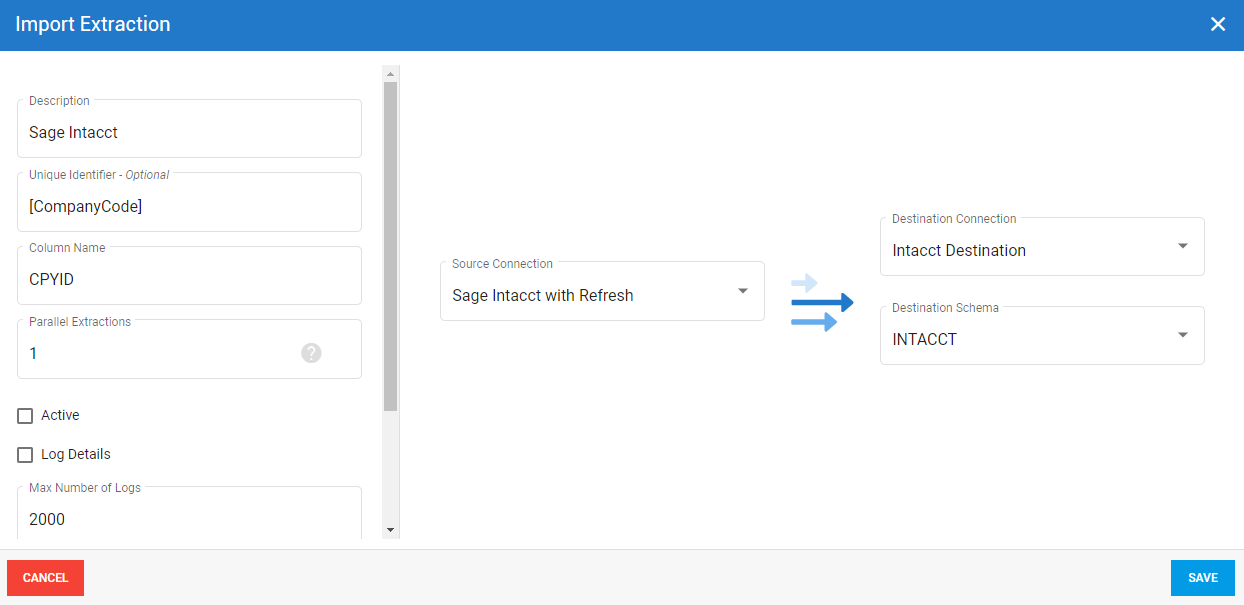
It is required to use CPYID for the Column Name.
-
Refer to Setting Up the Extraction to define the extraction and click Import to finish the process.
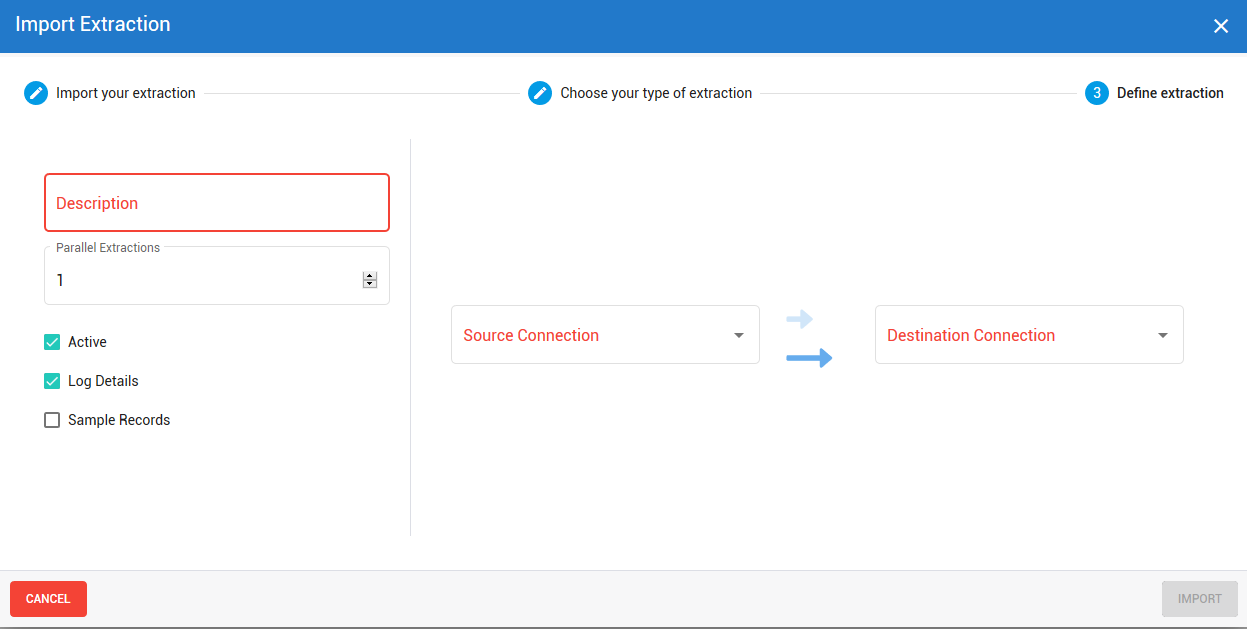
- You should have a result similar to this:
If you’ve already created Custom Fields in Sage Intacct, these Fields are not yet synchronized. You will need to go to each of their Tables and check the Sync box. You’ll also need to make these Fields appear in the corresponding Data Models via the Data Model Designer, by double-clicking on the Field in the related Table in order to analyze them.
The Extractions window will automatically switch to the Tables window.
Refer to Adding an SQL Query if you want to add SQL statements to some tables and Configuring Table Fields to customize the fields (add calculation, change destination name etc.)